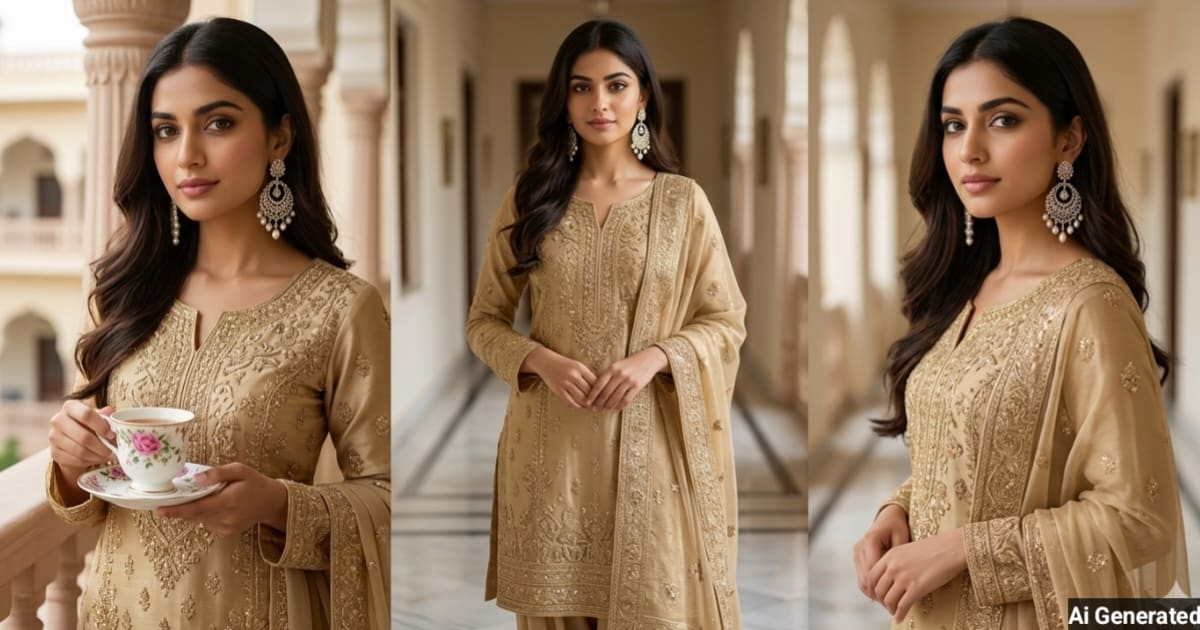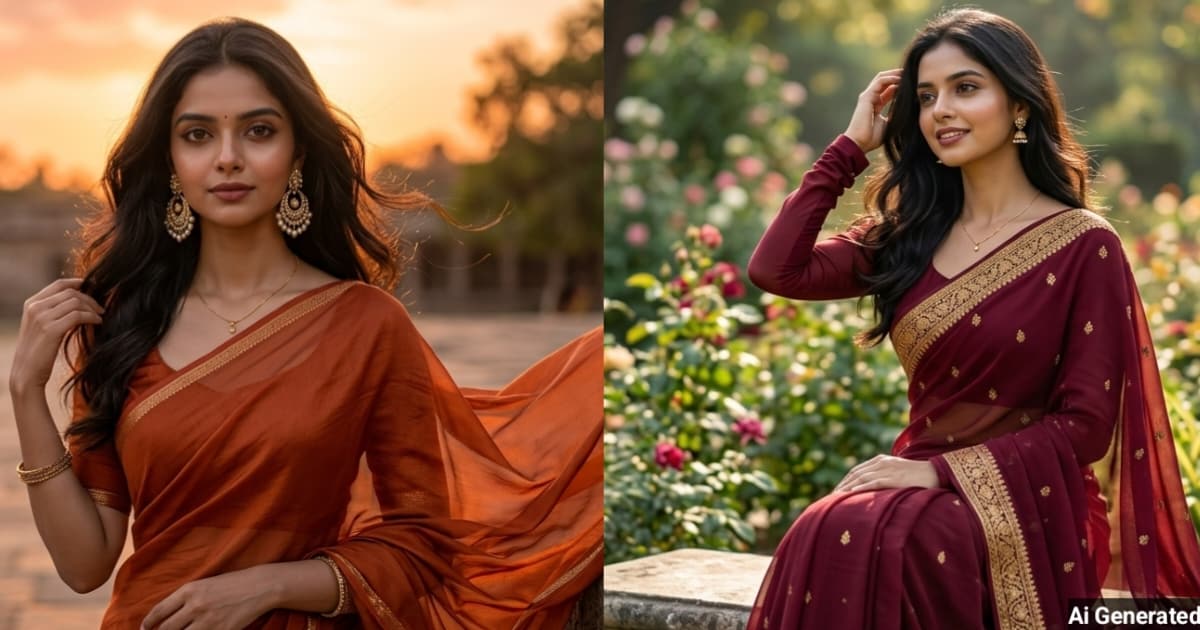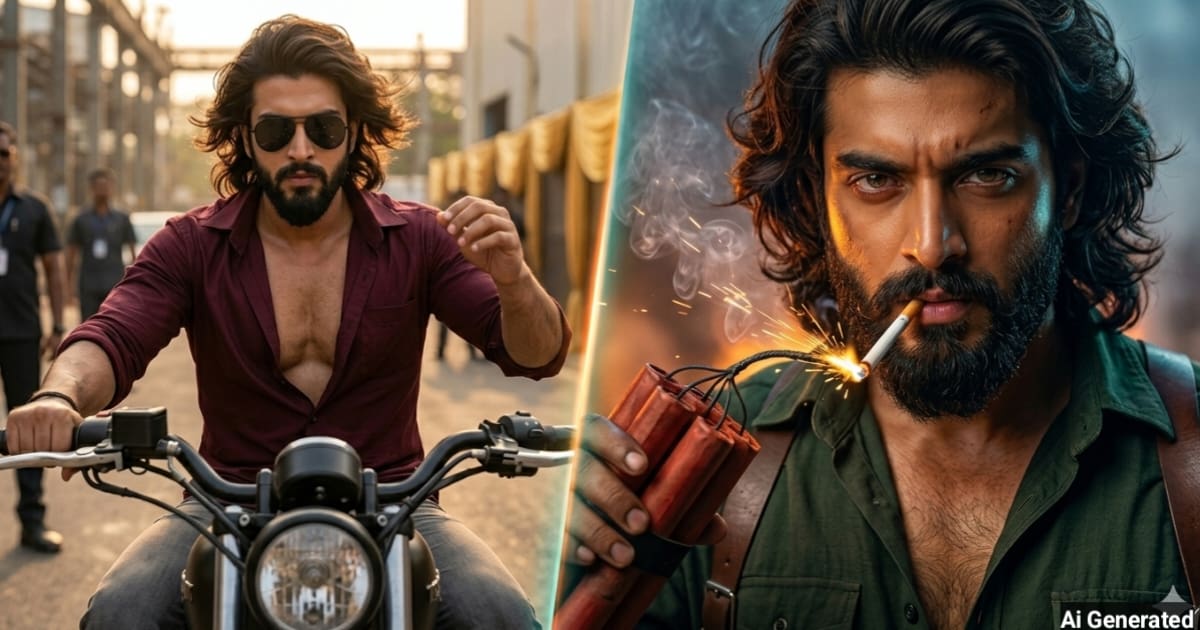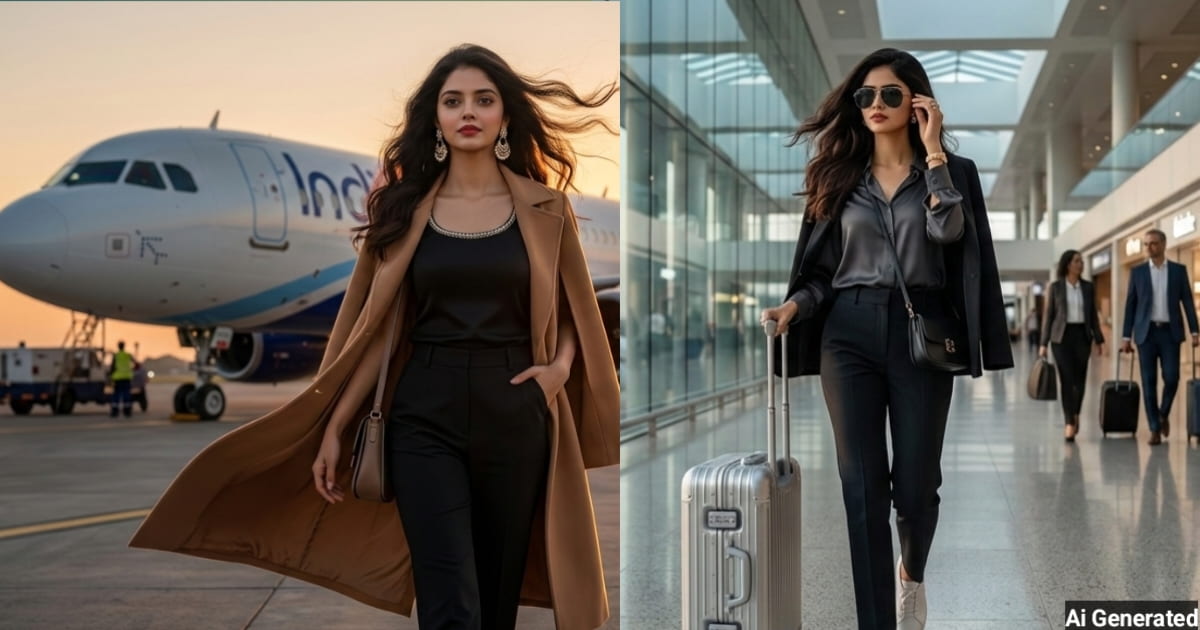

Gemini AI Photo Editor Prompt:परिचय
Gemini AI Photo Editor Prompt एक स्मार्ट फोटो एडिटिंग टूल है।जो आज के डिजिटल युग में हर कोई चाहता है,कि उसकी फोटो न सिर्फ अच्छी दिखे बल्कि स्टाइलिश और प्रोफेशनल टच के साथ सामने आए।चाहे सोशल मीडिया प्रोफाइल हो,ब्लॉग हो या फिर किसी खास मौके की यादें,हर तस्वीर को परफेक्ट बनाने की चाहत सबको होती है।पहले जहां फोटो एडिटिंग के लिए प्रोफेशनल सॉफ्टवेयर और स्किल्स की ज़रूरत होती थी,वहीं अब आर्टिफिशियल इंटेलिजेंस (AI) ने इस प्रक्रिया को बहुत आसान बना दिया है।
Gemini AI Photo Editor Prompt एक ऐसा टूल है,जो आपकी सामान्य तस्वीर को मिनटों में शानदार और आकर्षक फोटो में बदल सकता है।तो आइए इस लेख में विस्तार से जानते हैं,कि आखिर Gemini AI Photo Editor Prompt क्या है,यह कैसे काम करता है,और इससे आप कैसे अपनी तस्वीरों को स्टाइलिश बना सकते हैं,तो इस लेख को अंत तक पढ़ें।
Gemini AI Photo Editor Prompt क्या है?
Gemini AI Photo Editor एक AI आधारित फोटो एडिटिंग टूल है,जो प्रॉम्प्ट (यानी टेक्स्ट कमांड) के जरिए,आपकी तस्वीरों को एडिट करता है।मतलब,आपको बस एक लाइन लिखनी है,जैसे-‘Make my photo look like a professional photoshoot’ और यह टूल आपकी फोटो को उसी हिसाब से बदल देगा।
इसमें आधुनिक AI तकनीक और सीखने वाले स्मार्ट मॉडल्स का इस्तेमाल किया जाता है।यह टूल कलर्स,बैकग्राउंड,फिल्टर्स और इफेक्ट्स को पहचानकर ऑटोमैटिक बदलाव करता है।नॉर्मल यूजर से लेकर प्रोफेशनल डिजाइनर तक,हर कोई आसानी से इसका उपयोग कर सकता है।
Gemini AI Photo Editor Prompt-
Gemini AI Photo Editor के कुछ Prompt इस प्रकार हैं।जिससे आप अपनी फोटोज बना सकते हैं।
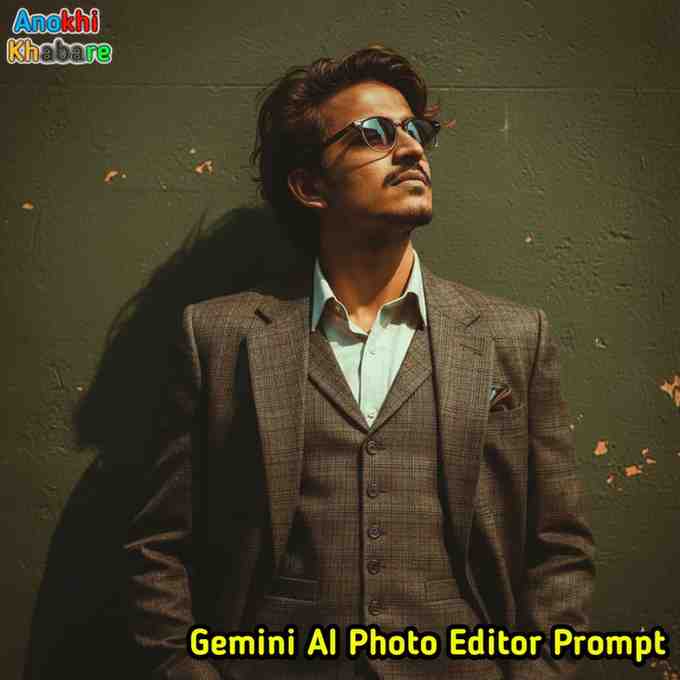
Prompt-1
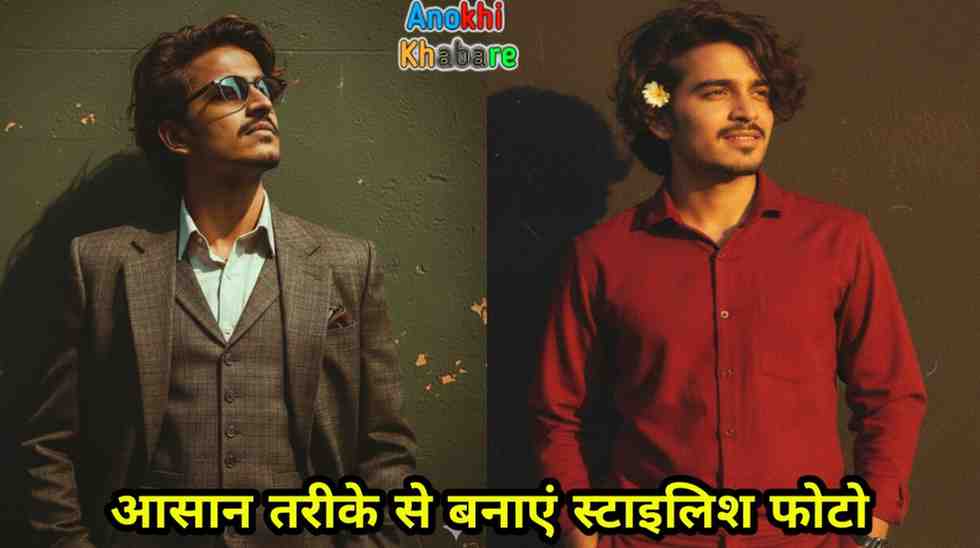
“Create a retro vintage bright image of the reference picture but draped in a perfect three piece mans coat pintresty aesthetic retro. It must feel like a 90s movie with the medium wavy hairs and windy environment romanticising. The Boy is standing against a solid wall deep shadows and contrast drama creating a artistic atmosphere”
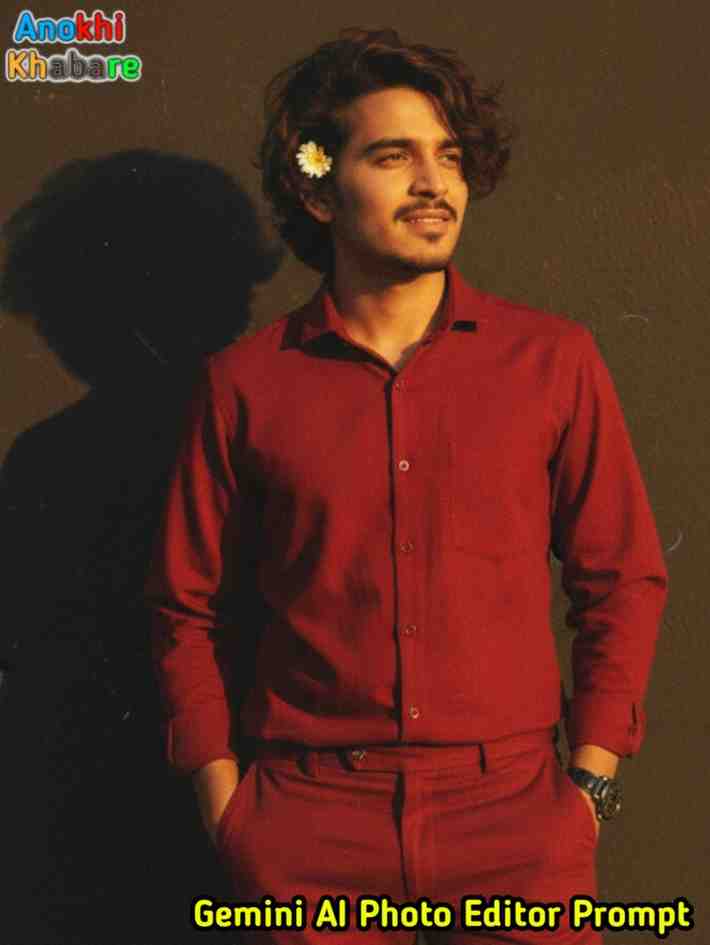
Prompt-2
“Create a retro vintage grainy but bright image of the reference picture but dressed in a plain classic shirt and trousers in deep Red color, giving a Pinteresty aesthetic retro vibe. It must feel like a 90s movie – dark brown wavy slightly curly hair with a small flower tucked visibly into his hair, romanticising a windy environment. The boy is standing against a solid wall with deep shadows and dramatic contrast, creating a mysterious and artistic |atmosphere. The lighting should be warm with golden tones, evoking a sunset or golden hour glow. The background is minimalist and slightly textured. The expression on his face is moody, calm yet happy and introspective.”
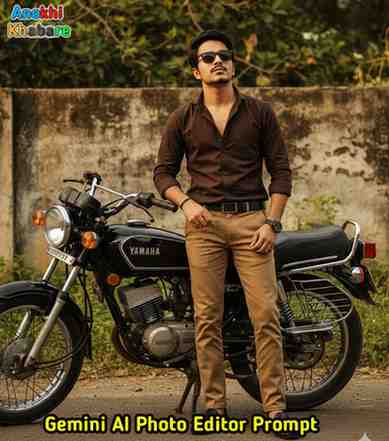
Prompt-3
Create Image of the reference picture A cinematic outdoor portrait of a stylish young man is confidently standing against a black Yamaha RX100 motorcycle. He is wearing a dark brown button-up shirt, light brown trousers, and black loafers, accessorized with a wristwatch and a bracelet and sunglasses. The background features overgrown greenery and a weathered concrete wall, giving a rustic, urban vibe. The atmosphere is moody with warm, vintage tones, creating a retro aesthetic. His expression is serious and composed, evoking a sense of mystery and rugged charm. And keep the same face from my uploaded Reference Selfie, same eyes, same, nose, same cheeks, same texture.
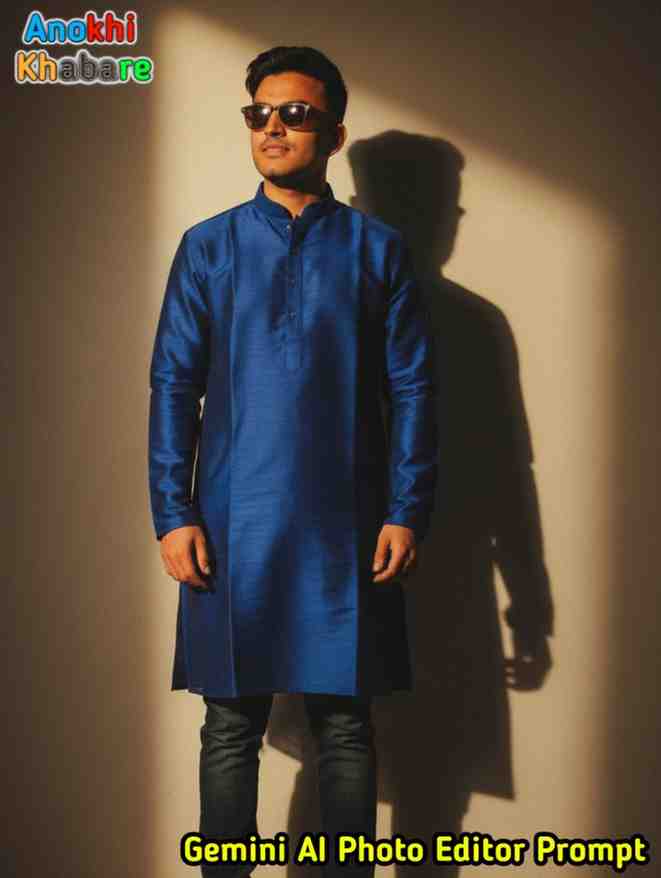
Prompt-4
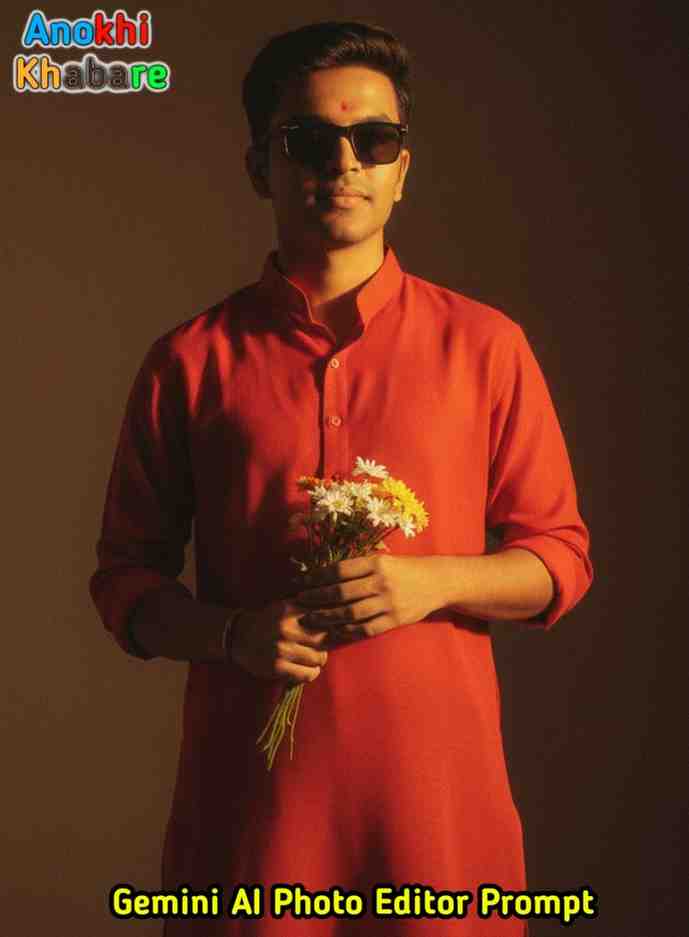
Create a retro vintage grainy but bright image of the reference picture but draped in a perfectly elegant royal blue silk kurta and jeans shoes and also sunglasses in a Pinterest-style aesthetic with a retro 90s movie vibe. He should have short, neatly styled black hair. The boy is standing against a solid wall with deep shadows and high contrast drama, creating a mysterious and artistic atmosphere. The lighting is warm with golden tones evoking a sunset or golden hour glow. The background is minimalist and slightly textured. His expression is moody, calm yet happy and introspective, like a classic 90s film hero lost in thought.
Prompt-5
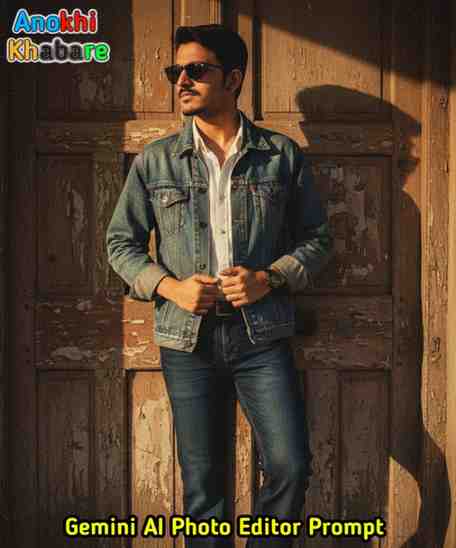
Create a retro, vintage-inspired image – grainy yet bright – based on the reference picture. The boy should be dressed in a perfectly denim jacket, shirt, bell bottom jeans and sunglasses in a Pinterest-style aesthetic. The vibe must capture the essence of a 90s movie with short, neatly styled black hair romantic atmosphere. He stands against an old wooden door, where deep shadows and dramatic contrasts add mystery and artistry to the scene, creating a moody yet enchanting cinematic effect. His pose should look natural, as if he is adjusting his kurta , radiating effortless coolness with that perfect 90s vintage retro style.
Prompt-6
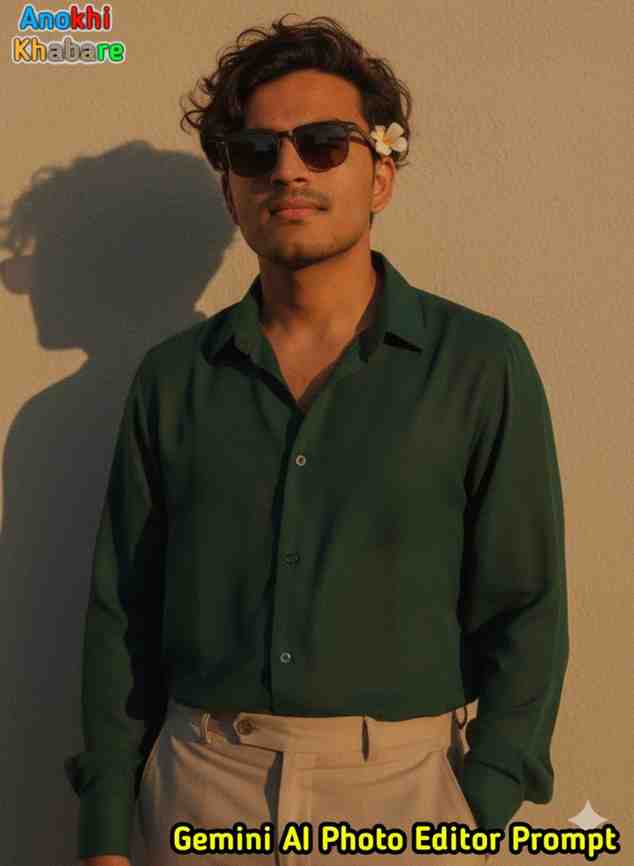
Create a retro vintage grainy but brightimage of the reference picture but drapedin a perfect plain chiffon dark green shirt and beige colour pants Pinteresty aesthetic retro outfit . It must feel like a 90s movie dark brown wavy curly hair with a small flower tucked visibly into his curls and romanticising windyenvironment. The guy is standing against a solid wall deep shadows and contrast drama, creating a mysterious and artistic atmosphere where the lighting is warm with a golden tones of evoking a sunset or golden hour glow. The backgroundis minimalist and slightly textured the expression on his face is moody, calm yet happy and introspective.
Gemini AI Photo Editor Prompt कैसे काम करता है?
Gemini AI Photo Editor को इस्तेमाल करना बहुत आसान है।इसके लिए आपको सिर्फ कुछ स्टेप्स फॉलो करने होंगे।
1.Google Gemini Website–Google Gemini AI Editor की वेबसाइट पर जाएं। Click करें।
2.फोटो अपलोड करें-जिस तस्वीर को एडिट करना है,उसे अपलोड करें।
3.प्रॉम्प्ट लिखें-जैसे ‘Make my photo stylish with neon lights’या ‘Give my photo a vintage look’
4.AI प्रोसेसिंग-AI आपकी फोटो को पढ़कर उसी स्टाइल में बदल देता है।
5.डाउनलोड करें-रिजल्ट आते ही फोटो डाउनलोड या शेयर कर सकते हैं।
Gemini AI Photo Editor Prompt की विशेषता-
1.आसान उपयोग-इसमें किसी तकनीकी ज्ञान की ज़रूरत नहीं है।
2.तेज़ रिजल्ट्स-सिर्फ कुछ सेकंड्स में एडिट की गई फोटो मिल जाती है।
3.कस्टमाइजेशन-आप अपनी पसंद का बैकग्राउंड,फिल्टर या स्टाइल चुन सकते हैं।
4.हाई क्वालिटी आउटपुट-रिजल्ट्स बिल्कुल प्रोफेशनल फोटोग्राफी जैसे दिखते हैं।
5.ऑनलाइन और मोबाइल फ्रेंडली-इसे बिना किसी हैवी सॉफ्टवेयर इंस्टॉलेशन के इस्तेमाल किया जा सकता है।
Gemini AI Photo Editor Prompt से फोटो स्टाइलिश बनाने के आसान तरीके-
1.सही प्रॉम्प्ट चुनें-जितना क्लियर प्रॉम्प्ट होगा,उतना बेहतर रिजल्ट मिलेगा।
2.डिफरेंट फिल्टर ट्राई करें-एक ही फोटो को अलग-अलग प्रॉम्प्ट्स के साथ एडिट करके यूनिक वर्जन बनाएं।
3.सोशल मीडिया के हिसाब से एडिट करें-जैसे इंस्टाग्राम के लिए ब्राइट कलर,लिंक्डइन के लिए प्रोफेशनल फोटो।
4.रेगुलर अपडेट्स फॉलो करें-Gemini AI में नए टूल्स और स्टाइल्स आते रहते हैं।उन अपडेट्स को फॉलो करें।
निष्कर्ष-
Gemini AI Photo Editor Prompt वास्तव में एक स्मार्ट और आसान फोटो एडिटिंग टूल है,जो हर किसी के लिए उपयोगी साबित हो सकता है।चाहे आप एक स्टूडेंट हों,ब्लॉगर,कंटेंट क्रिएटर,सोशल मीडिया इन्फ्लुएंसर या सिर्फ फोटो एडिटिंग के शौकीन,यह टूल आपको हर बार नया और आकर्षक अनुभव देता है।आजकल हर कोई चाहता है,कि उसकी तस्वीरें न केवल अच्छी दिखें बल्कि उनमें एक स्टाइलिश और प्रोफेशनल टच भी हो।ऐसे में Gemini AI Photo Editor Prompt आपके लिए एक बेहतरीन विकल्प है।
तो अगली बार जब भी आपको एक यूनिक और स्टाइलिश फोटो की ज़रूरत पड़े,Gemini AI Photo Editor Prompt का इस्तेमाल ज़रूर करें।यह न सिर्फ आपकी तस्वीरों को नया अंदाज़ देगा,बल्कि आपके दोस्तों और फॉलोअर्स को भी चौंका देगा।सच कहें तो,यह टूल फोटो एडिटिंग की दुनिया में एक गेम-चेंजर है।
Gemini AI Photo Editor Prompt से जुड़े महत्वपूर्ण प्रश्न (FAQs)-
Q1.Gemini AI Photo Editor Prompt क्या है?
Ans.Gemini AI Photo Editor Prompt एक आर्टिफिशियल इंटेलिजेंस आधारित फोटो एडिटिंग टूल है,जिसमें आप सिर्फ टेक्स्ट कमांड (Prompt) देकर अपनी फोटो को स्टाइलिश और प्रोफेशनल बना सकते हैं।
Q2.Gemini AI Photo Editor Prompt का उपयोग कैसे करें?
Ans.आपको सिर्फ अपनी फोटो अपलोड करनी है,और एक छोटा सा प्रॉम्प्ट लिखना है,जैसे ‘Make my photo stylish with a modern background’ इसके बाद AI आपकी फोटो को उसी हिसाब से एडिट कर देगा।
Q3.क्या Gemini AI Photo Editor Prompt मोबाइल पर काम करता है?
Ans.हाँ,Gemini AI Photo Editor Prompt मोबाइल और कंप्यूटर दोनों पर आसानी से काम करता है।इसे बिना किसी हैवी सॉफ्टवेयर इंस्टॉलेशन के ऑनलाइन यूज़ किया जा सकता है।
Q4.क्या Gemini AI Photo Editor फ्री है?
Ans.Gemini AI Photo Editor का फ्री और पेड दोनों वर्जन उपलब्ध है।फ्री वर्जन में बेसिक फीचर्स मिलते हैं,जबकि पेड वर्जन में एडवांस्ड फिल्टर,हाई क्वालिटी आउटपुट और ज्यादा कस्टमाइजेशन ऑप्शन मिलते हैं।
Q5.क्या Gemini AI Photo Editor से सोशल मीडिया के लिए फोटो एडिट की जा सकती है?
Ans.हाँ,यह टूल खासतौर पर सोशल मीडिया फोटो बनाने में मदद करता है।आप इंस्टाग्राम,फेसबुक,यूट्यूब और लिंक्डइन प्रोफाइल के लिए परफेक्ट फोटो एडिट कर सकते हैं।